
MindNode Features
Think: Explore and Capture

Mind Maps
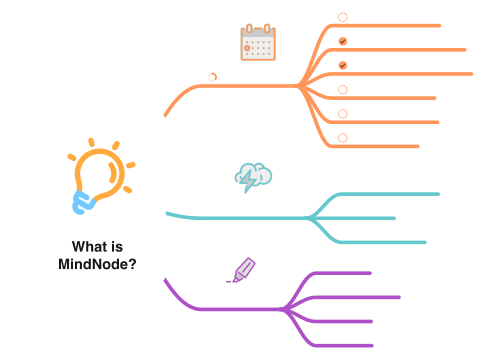
See your thinking unfold in real time. Branch, cluster, and evolve ideas freely on an infinite canvas.

Outlines
Prefer a more linear flow? Switch to Outline View to edit your mind map as a fully structured, hierarchical list.


Images
Add context to your ideas with images — from your photo library or generated directly using Image Playground.


Stickers & Emojis
Enhance clarity and add visual delight with over 250 custom-designed stickers and full emoji support. Stickers adapt to your theme and are searchable via Sticker Search.

Live Collaboration
Work with others in real time. Whether it's a team workshop or project planning with friends, mapping ideas together is seamless.

All Your Devices
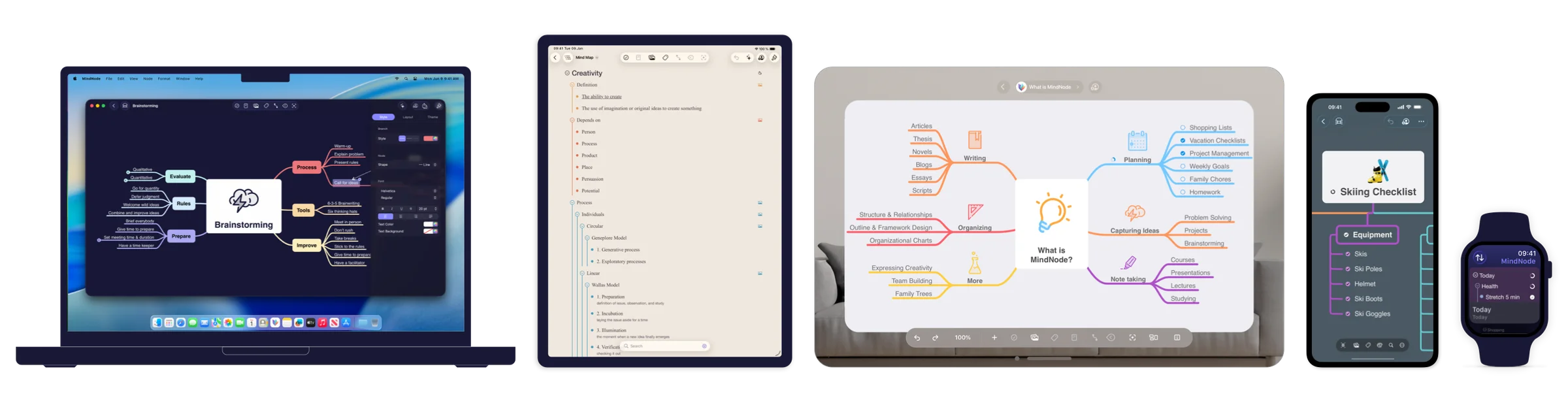
MindNode runs beautifully on Mac, iPad, iPhone, and Vision Pro. Everything syncs privately and securely via iCloud.


Immersive Brainstorming on Vision Pro
On Apple Vision Pro, collect your thoughts as colorful floating pills in space. Grab, move, and connect them — it's brainstorming like never before.

AI: Private and On-Device

AI Brainstorming
Kickstart a new document with a suggested structure, or expand existing content with a single tap in the action menu.

Generate Text & Summarize
Turn your mind map or outline into an article, or summarize long documents directly from the document picker.
Image Background Removal
Instantly clean up visuals by removing backgrounds.
Clarify: Structure and Refine

Visual Tags
Categorize ideas with visual tags to add meaning beyond structure. Use Tag Highlight Mode to spotlight related ideas — perfect for prioritizing or filtering complex projects.


Connections
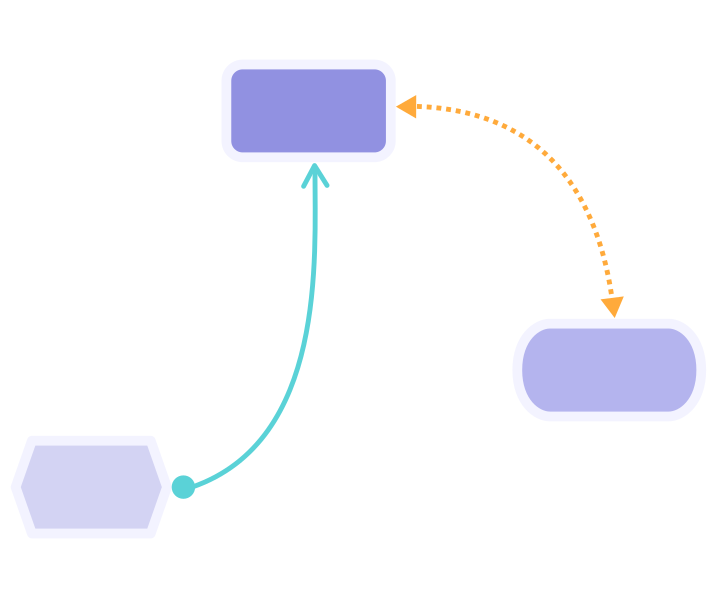
Draw lines between related nodes to show relationships that go beyond hierarchy.
Notes
Add extra details to any node without cluttering your map. Notes are perfect for explanations or references — and stay hidden until needed.


Focus Mode
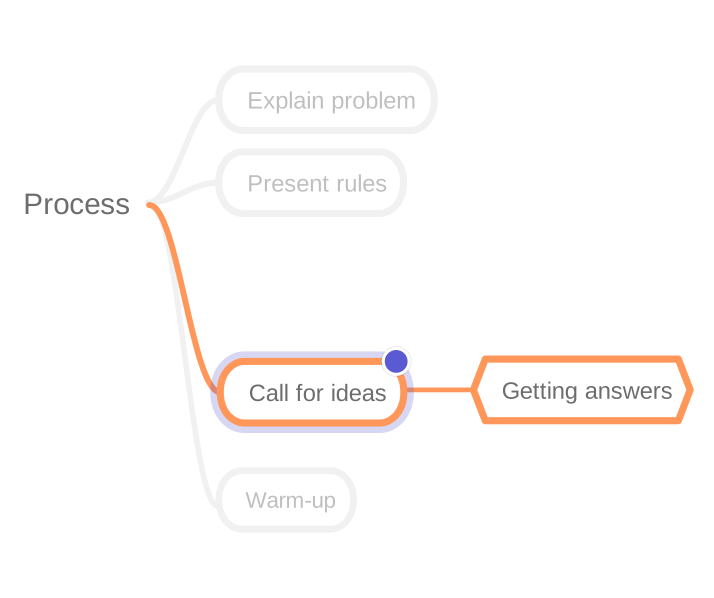
Hide distractions by dimming everything except the selected nodes. Ideal for focused work or presentations.

Folding
Collapse sections of your map or outline to reduce visual clutter — and expand them when you're ready.

LaTeX
Add LaTeX equations to clearly express mathematical and technical ideas.

Act: From Thought to Impact

Tasks
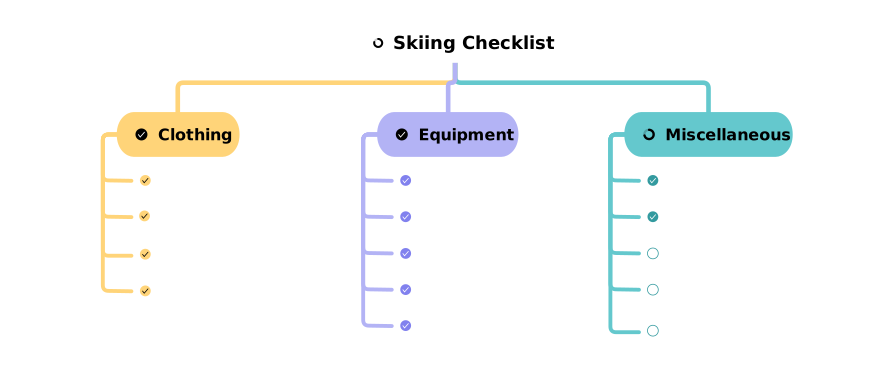
Turn ideas into actionable tasks. Manage them visually and keep everything in sync with Apple Reminders.

Apple Shortcuts
Automate your workflows with built-in support for Apple Shortcuts. Ideal for power users and recurring projects.


Link Documents
Create deep links between your thoughts. Link any node to another — even across documents.

Import
Easily bring in existing content from formats like OPML, Markdown, and plain text.

Share & Export
Export your ideas in a wide range of formats: PDF, SVG, FreeMind, OPML, PNG, Markdown, TextBundle, Plain Text, and Rich Text.

Express: Your Own Style

Dynamic Themes
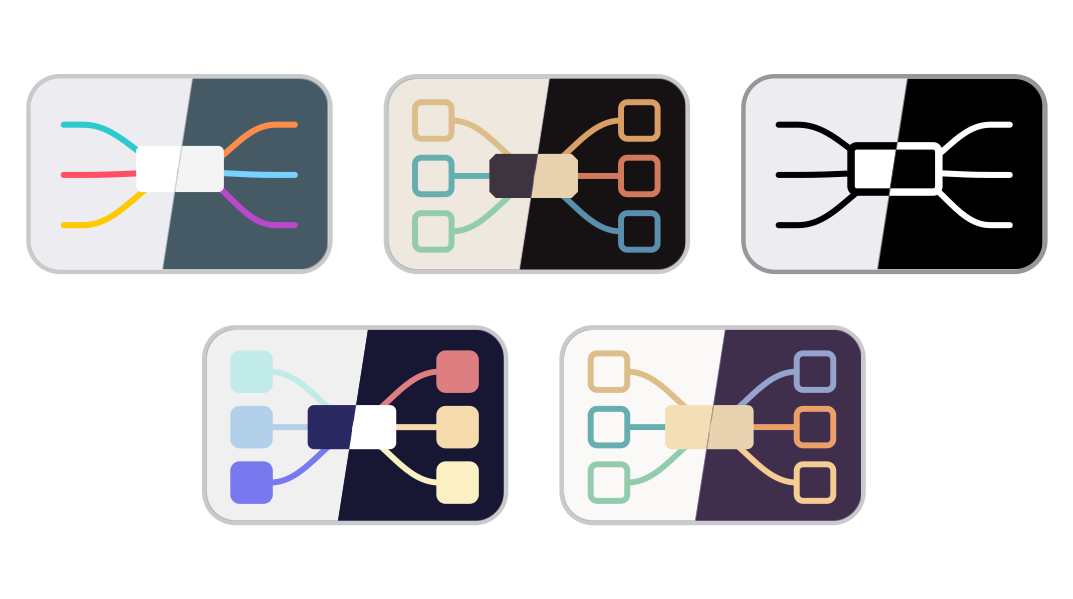
Choose from curated themes or create your own. Themes adjust automatically for light and dark modes.

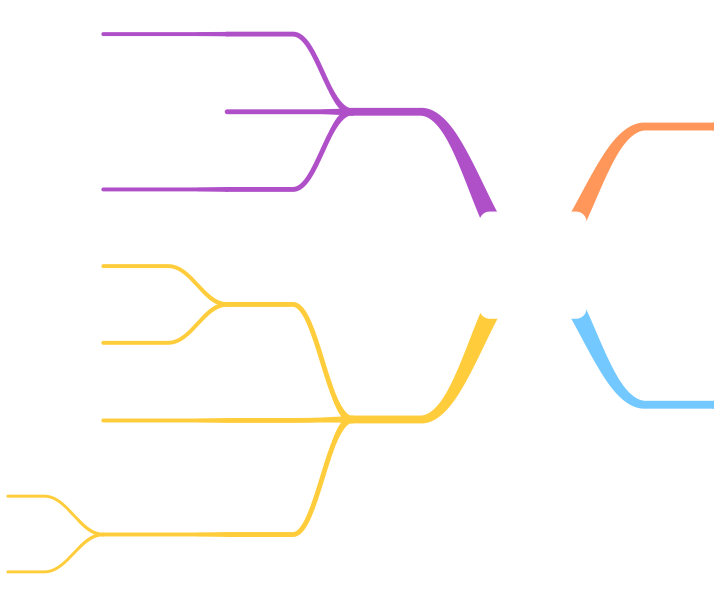
Tapered Branches
Let your thoughts branch out naturally.

Layout Options
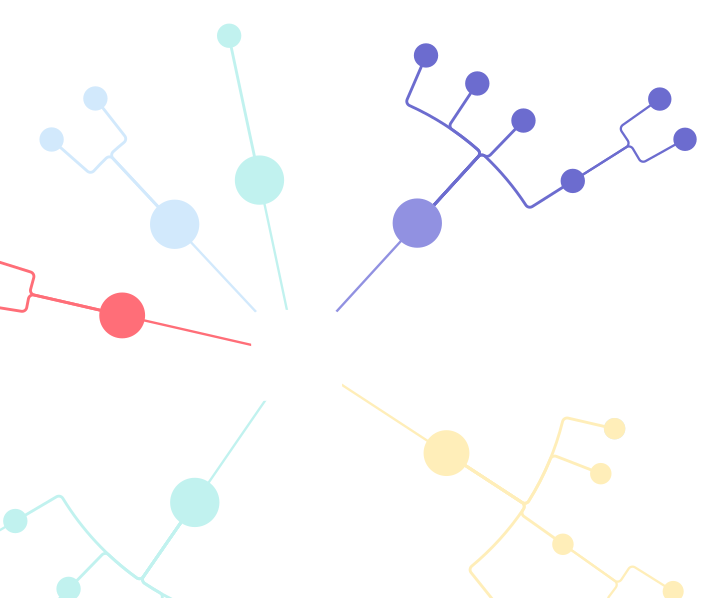
Use vertical, horizontal, compact, or radial layouts to suit your project. Need more control? Override the automatic layout to manually position nodes.

Node Shapes
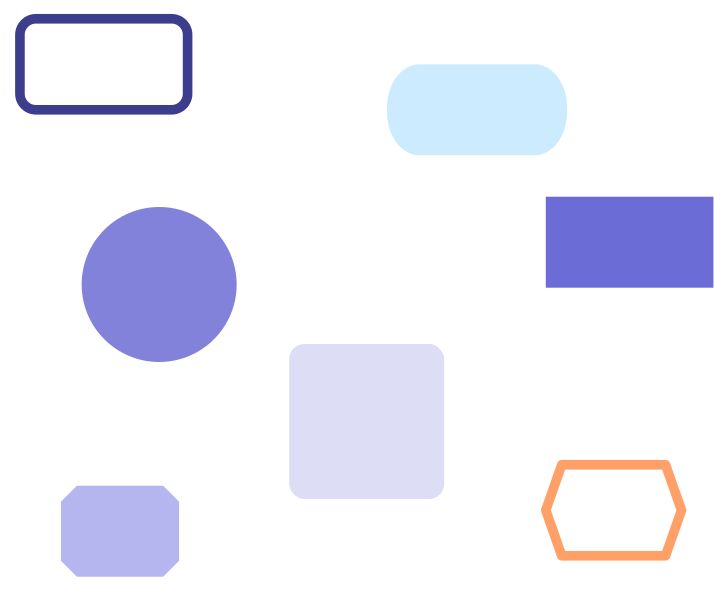
Choose from a variety of shapes including Circle, Square, Rectangle, Rounded, Pill, Cloud, Line, Embedded, Hexagon, and Octagon.

Style & Inspector
Customize colors, line styles, shapes, and more — all in one easy-to-use sidebar or inline inspector.

And So Much More…

Secure and Private
MindNode values your privacy. All your data is stored securely and encrypted on iCloud, ensuring that your ideas stay private and protected.

Multilingual Support
MindNode is fully localized in English, Arabic, Chinese (Simplified and Traditional), Dutch, French, German, Italian, Japanese, Korean, Brazilian Portuguese, Spanish, Swedish, and Thai.

Accessibility
MindNode is designed to be inclusive, with support for VoiceOver, dynamic type, and other accessibility features.

Made for Apple
MindNode is lovingly crafted for macOS, iOS, iPadOS, watchOS, and visionOS — fitting seamlessly into Apple's ecosystem.


Get MindNode
Download MindNode now and start exploring your ideas in a whole new way.